 Presly
Online booking · Growth and up
Online booking that lives where your customers already are
One booking link and QR code for appointments and table reservations. Accept, offer another time, or decline. Included on Growth and up. Free for 7 days.
Updated October 2026
How customers book
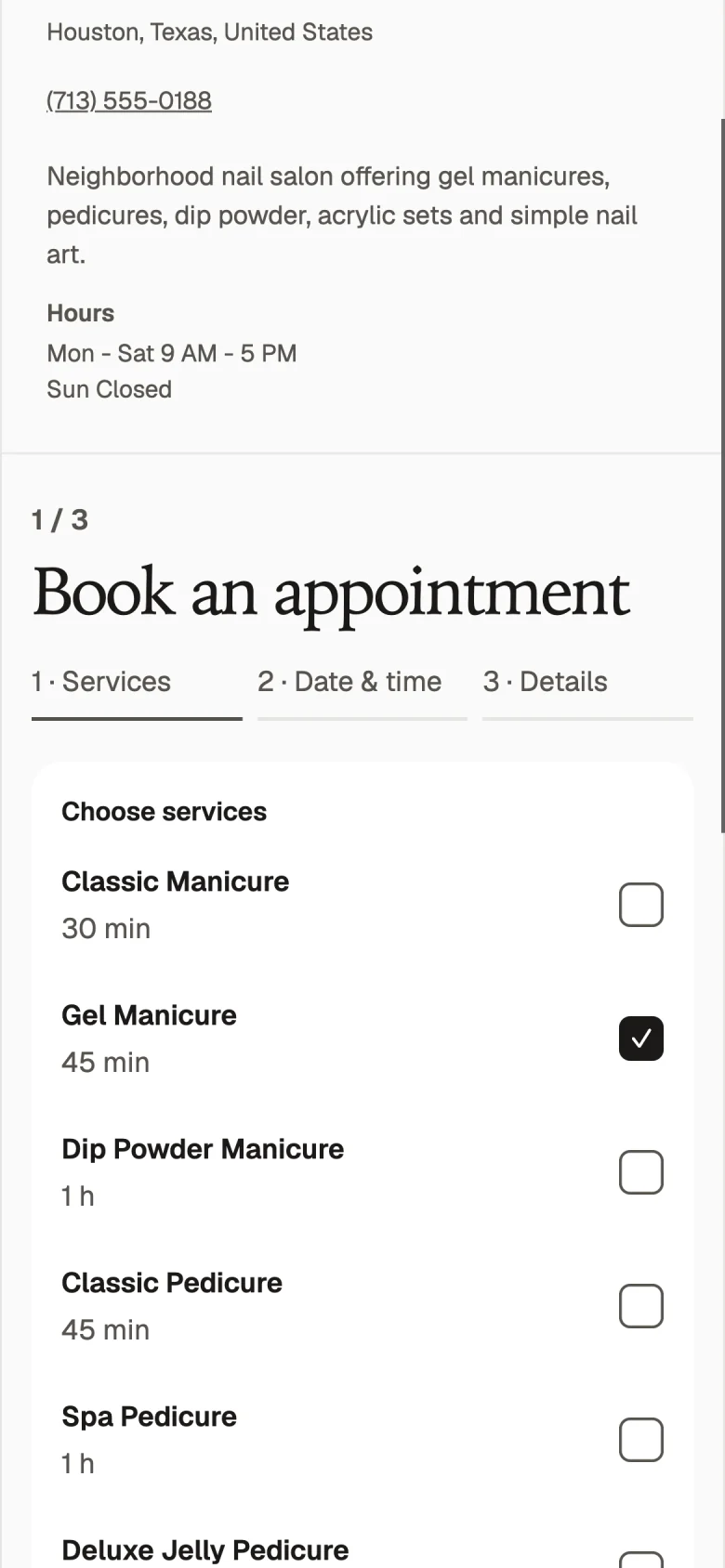
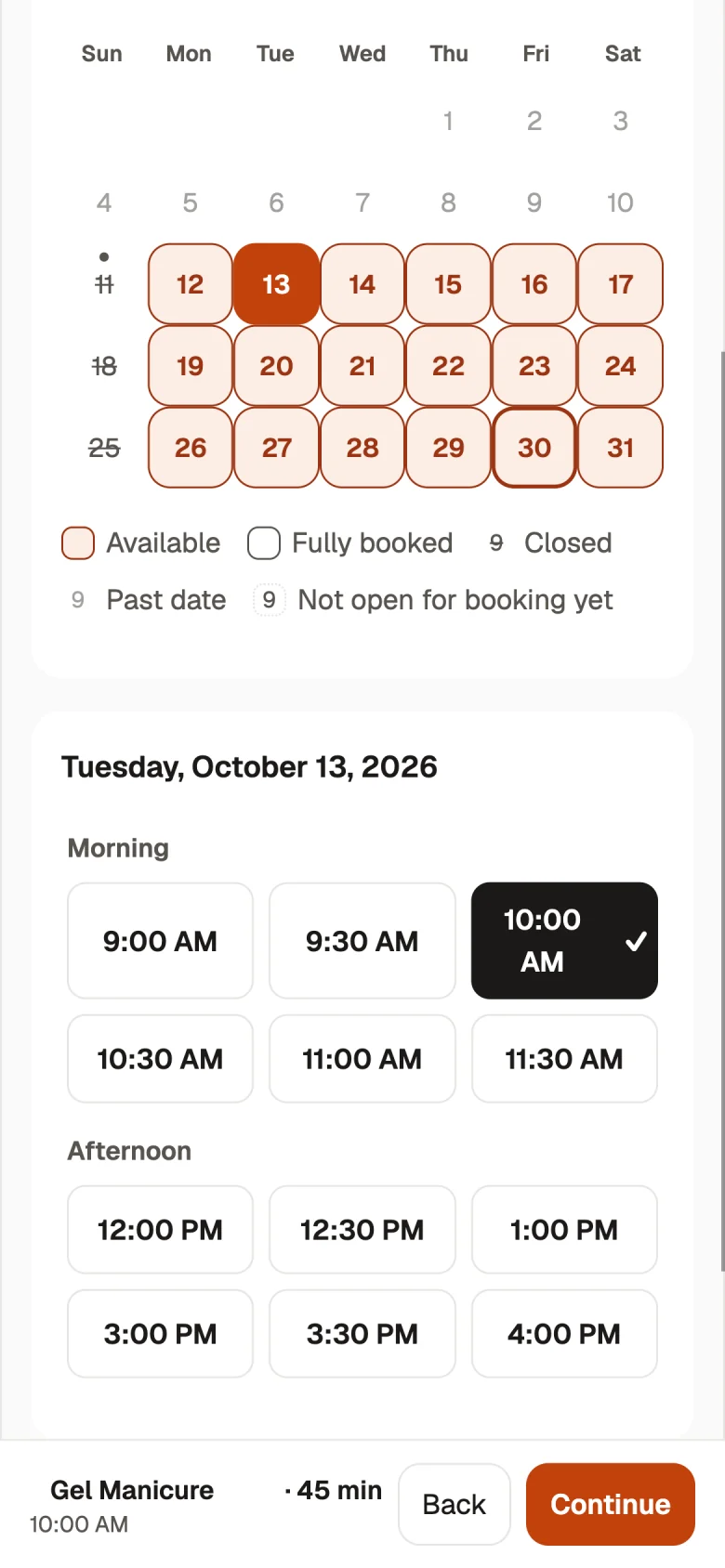
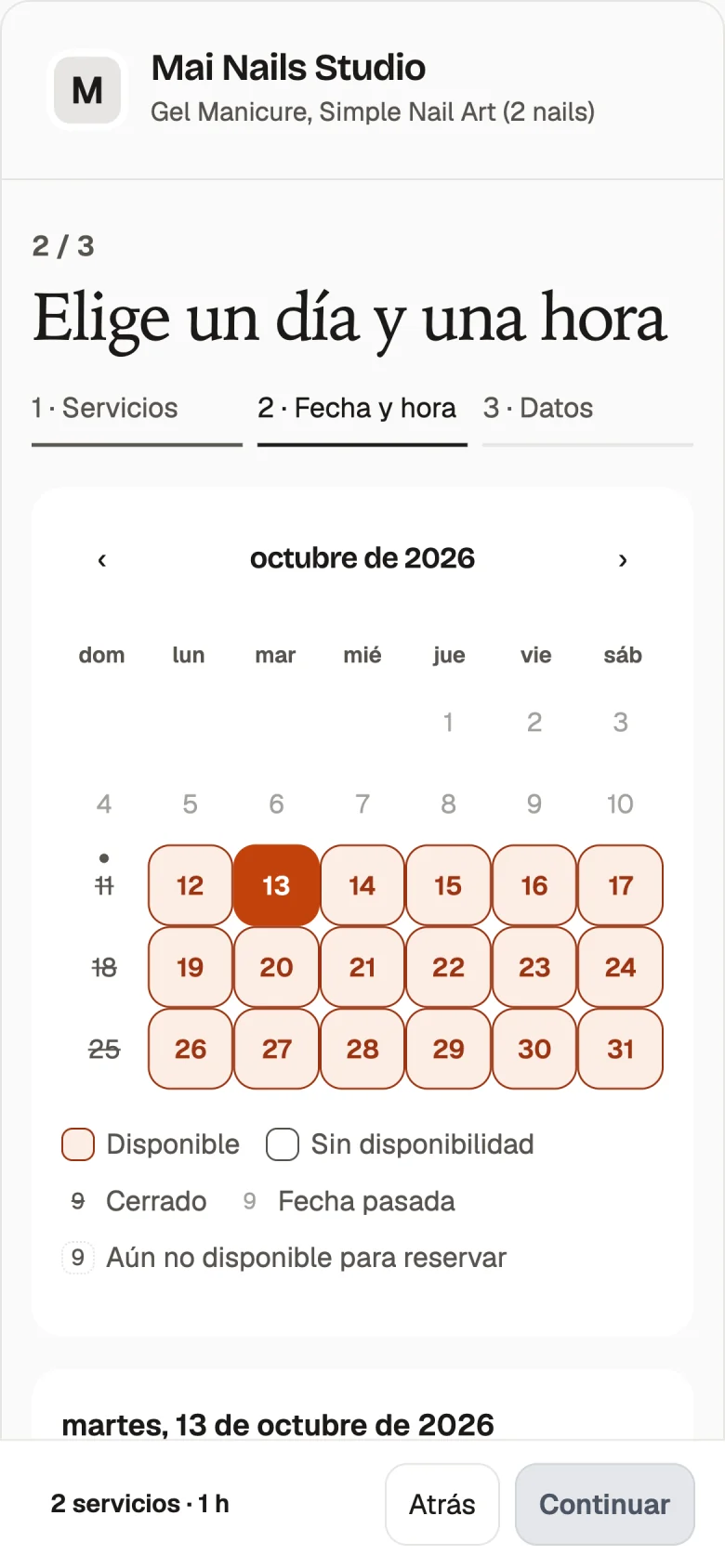
Customers open your booking link on their phone. For an appointment, they choose a service and a team member, or Anyone. For a table reservation, they choose their party size. Then they pick a date and time. Your booking page is available in English, Spanish, and Vietnamese, so customers can use the language they prefer.
By default, each booking is a request waiting for your answer. You can accept, offer another time, or decline inside Presly. You are emailed for each new request. If you prefer hands-off booking, turn on Confirm automatically so open times book right away. That setting is off by default, leaving you in charge of each request until you choose otherwise.
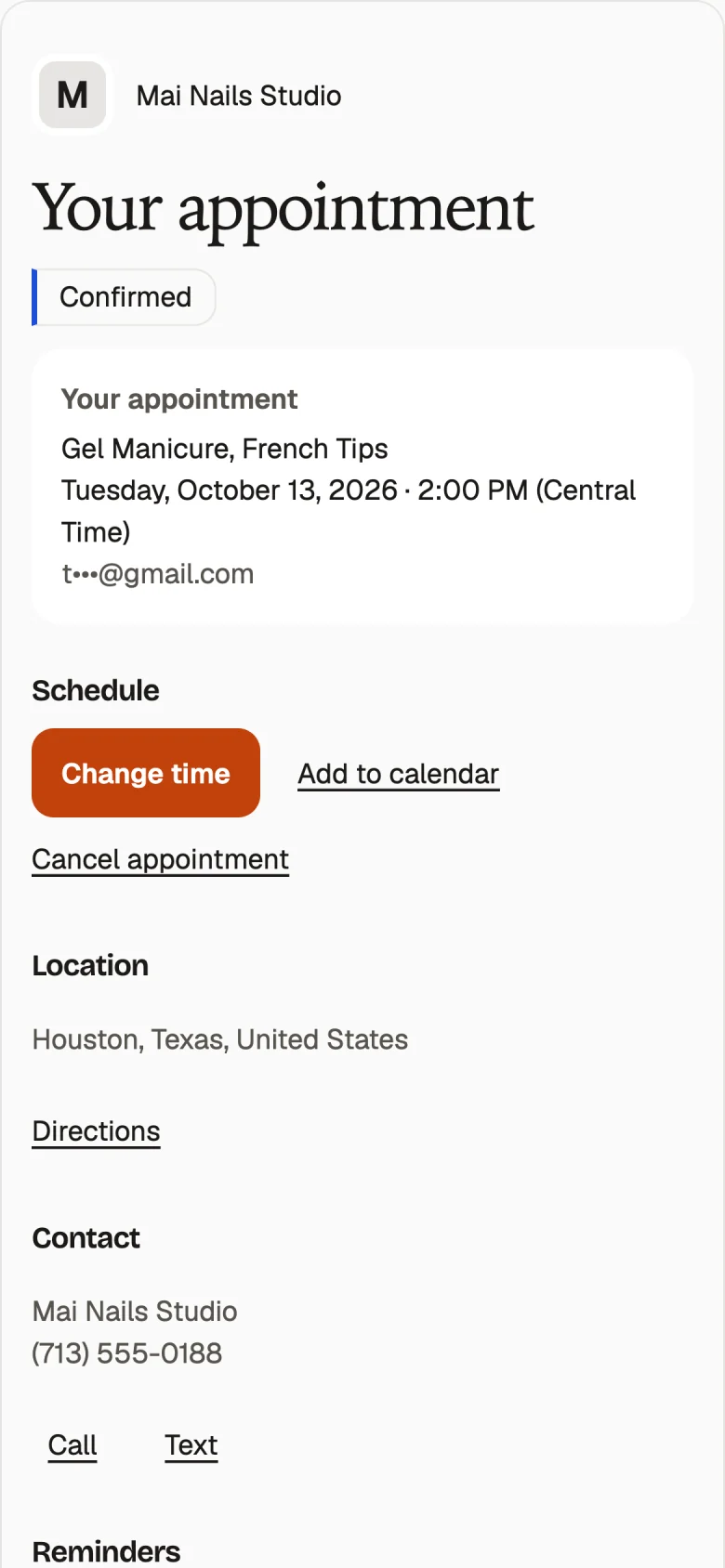
Each customer gets a private link to manage the visit. They can change the time, cancel, or add the visit to their calendar. Customers who leave an email receive confirmation and reminder emails. These emails are available in English, Spanish, and Vietnamese too. Customers pay you directly, the way they do today.
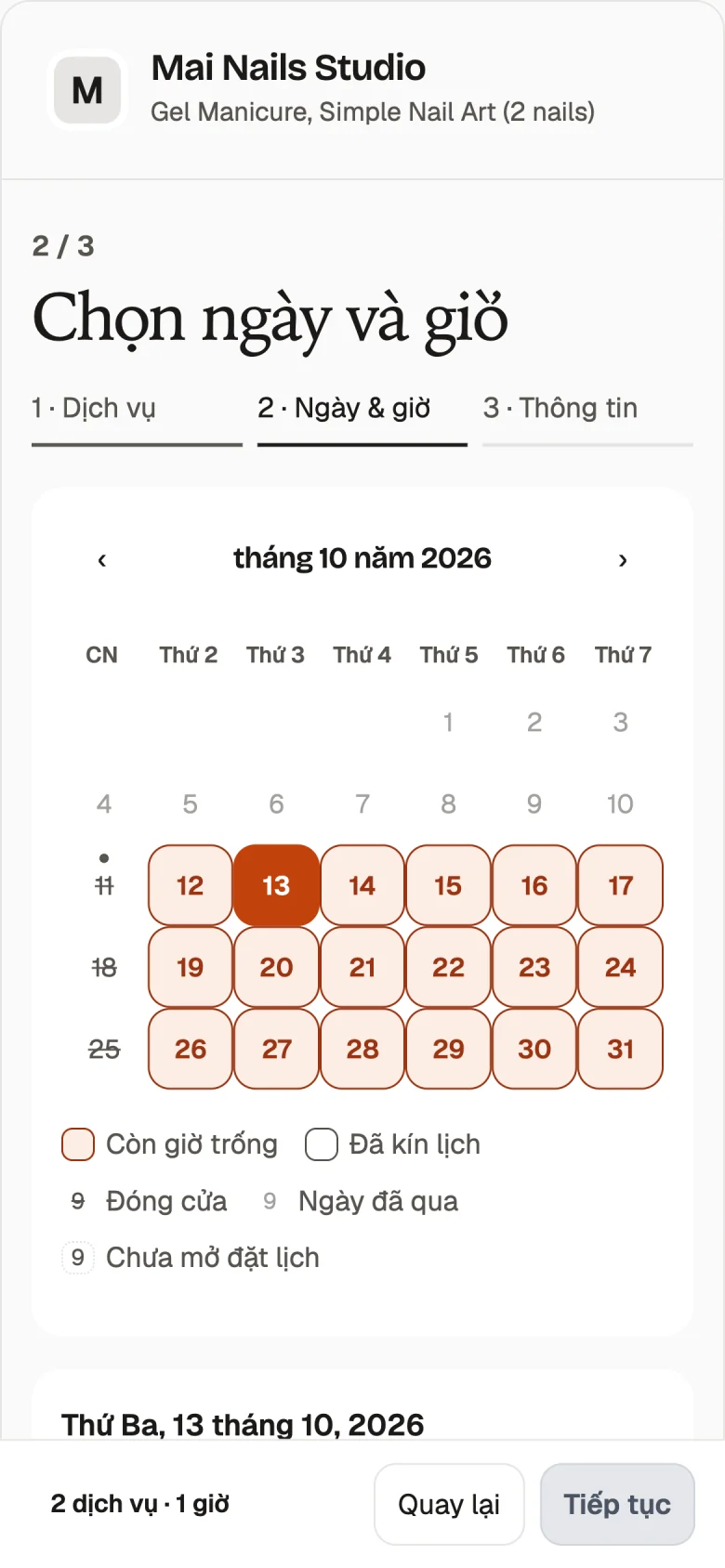
Appointments
Let customers pick the service they need and who they want to book with. Team member photos appear in the staff picker, and Anyone lets customers book with whoever is free. A customer can add another person to the same visit, with service choices for the people coming together.
You can let each team member take more than one client at a time. Set your service details and appointment start times to match how your business works. Services can take place at your business or at the customer's place. Closed days and team time off hide those dates from customers, so the booking page reflects the time you make available.
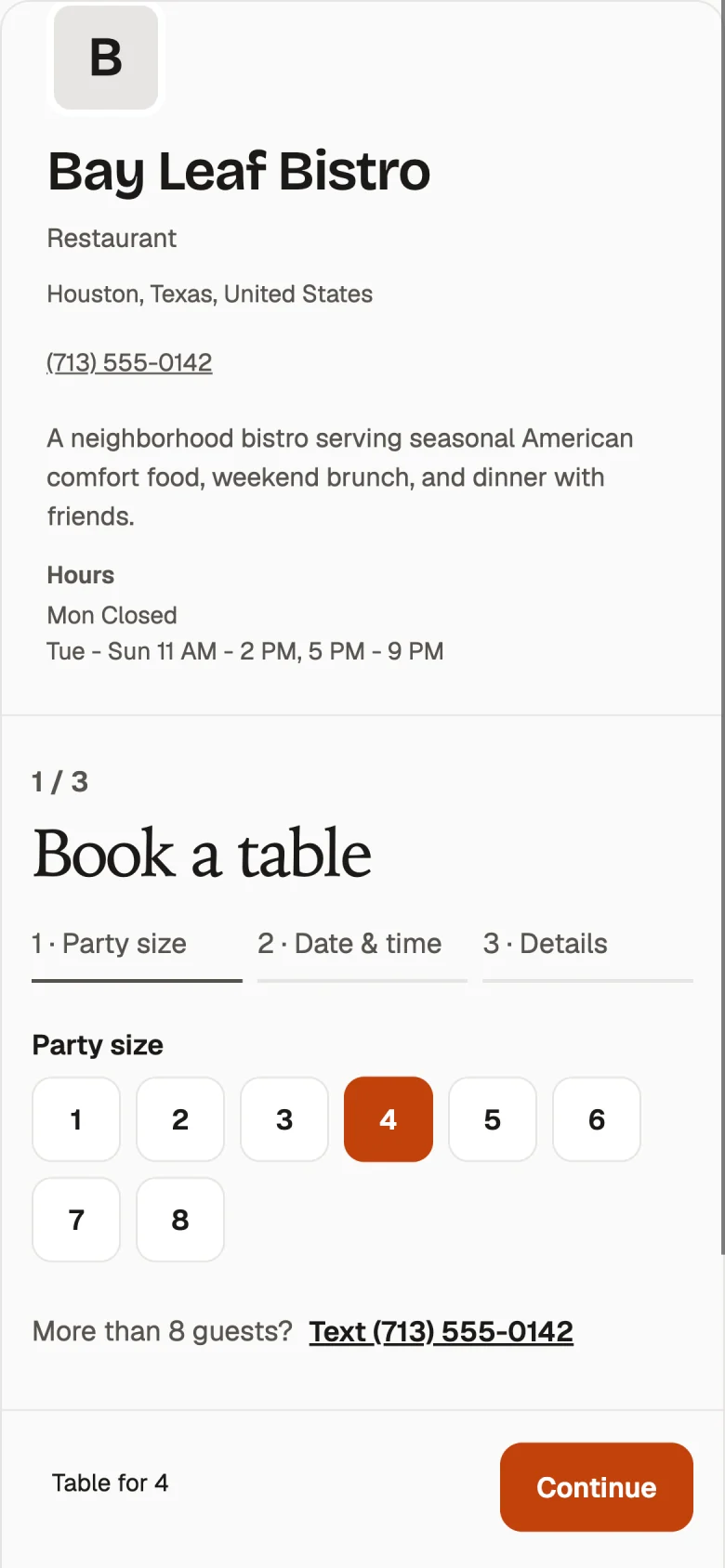
Table reservations
Restaurants set up tables by size, the largest party they accept online, and how many guests can arrive each half hour. Guests choose a party size, date, and time on their phone. Larger groups are asked to call when they exceed your maximum party size. You can also set the last booking time.
The request flow keeps the answer with you. Accept the reservation, offer another time, or decline. Confirm automatically is also available when you want open times to book right away. Your one booking link can be shared on your profiles or printed as a QR code, giving guests the same place to start wherever they find your restaurant.
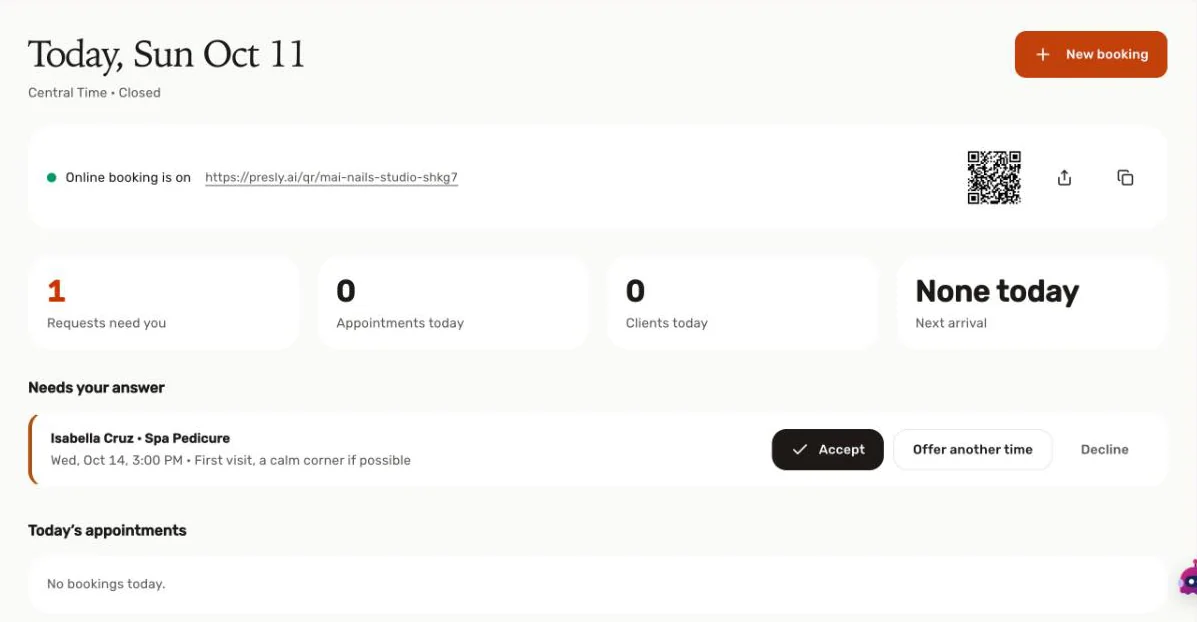
Your day
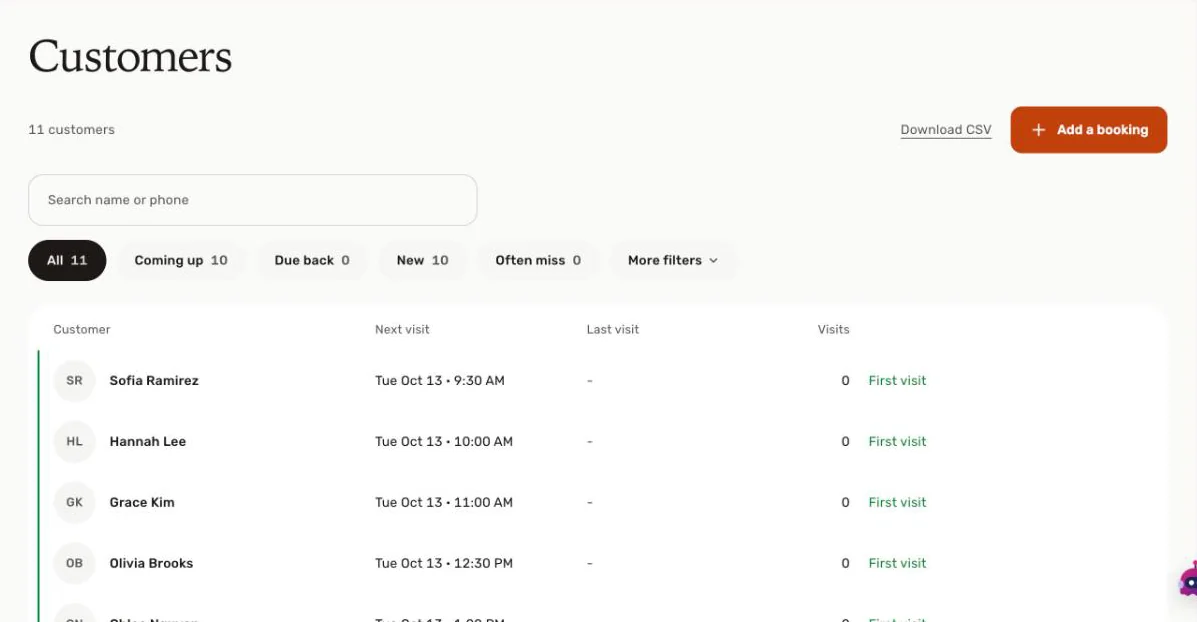
Today shows who needs your answer and who is coming in, with Booked, Came, and Missed visit counts. The calendar shows your day, week, or month, and lets you move a booking. Customers keeps visit history, the last and next visit, and your private notes. You can also download the customer list as a CSV.
Booking requests appear in the Inbox to-do list too. Accept, Suggest a time, and Decline are available on the booking item. You can answer the request there while working through your conversations, then use Today and the calendar to see the visits ahead. Confirmation and reminder emails go out for you when the customer leaves an email.
Share it
Put your booking link in your Instagram bio, on your Google Business Profile, and on your Facebook page. Presly includes steps for adding the link in each place. Customers follow the same link to choose a service or party size and pick a time. One link works for every profile.
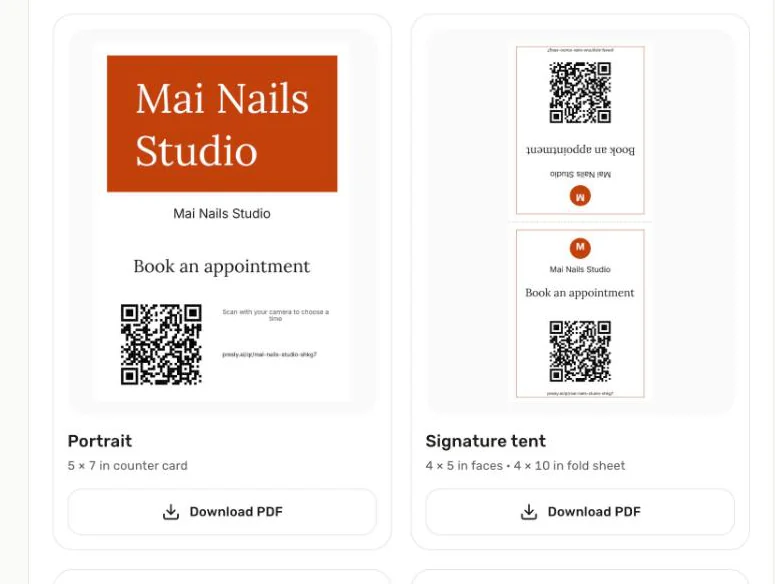
The QR & link tab includes a printable table tent and window poster. Download the print as a PDF or PNG and place it by the register or in your window. Customers scan the QR code with their phone to open your booking page. The link card gives you the booking link to copy and share alongside the printed QR code.
Set up from your price list
Setup starts from what you already have. Snap a photo of your price list or paste your menu link, and Presly fills in your services for you to check.
You can start with a price list photo, a PDF, or a website or menu link. Presly fills in the printed service names, durations, and prices for you to check before saving. Missing details stay blank for you to fill in. Review the services and their details, then set your team availability or table settings before opening booking to customers.
Payment and plans
Customers send a request or book an open time, and you collect payment the way you do today. Every booking is covered by your plan price and uses zero credits. Customers get confirmations and reminders by email.
Online booking is included on Growth and Pro. A seven-day trial on Growth or Pro includes booking and requires a card. Online booking is built for salons, restaurants, pet groomers, home services, and other local businesses outside health care. Dental, medical, and other health care practices use Presly for social posting, the content calendar, and the Inbox.
Frequently asked questions
Can customers book appointments or reserve a table through Presly?
Yes, on Growth and Pro plans. You get one booking link and a printable QR code. Customers choose a service and a team member, or a party size for a table, then pick a date and time on their phone. By default each booking is a request that you accept, decline, or answer with another time. You can also turn on Confirm automatically so open times book right away. Customers who leave an email get confirmation and reminder emails.
Which Presly plans include online booking?
Online booking is included on Growth ($79/mo) and Pro ($159/mo). A 7-day trial on Growth or Pro includes booking, and the trial requires a card. Every booking is covered by your plan price and uses zero credits.
How do customers pay for a visit booked through Presly?
Customers pay you directly, the way they do today. They send a request or book an open time on your booking page, and you collect payment as usual. Each customer gets a private link to change the time, cancel, or add the visit to their calendar.
Which businesses is Presly booking built for?
Online booking is built for salons, restaurants, pet groomers, home services, and other local businesses outside health care. Dental, medical, and other health care practices use Presly for social posting, the content calendar, and the Inbox.
One booking link for your business
Start 7-day free trialSee plans with bookingOnline booking comes with Growth and Pro. Free for 7 days. Cancel anytime before then and pay nothing. Customers pay you directly, the way they do today. Online booking is built for salons, restaurants, pet groomers, home services, and other local businesses outside health care.